100% Online
Instant Tracking
Secure Portal
UMANG Friendly
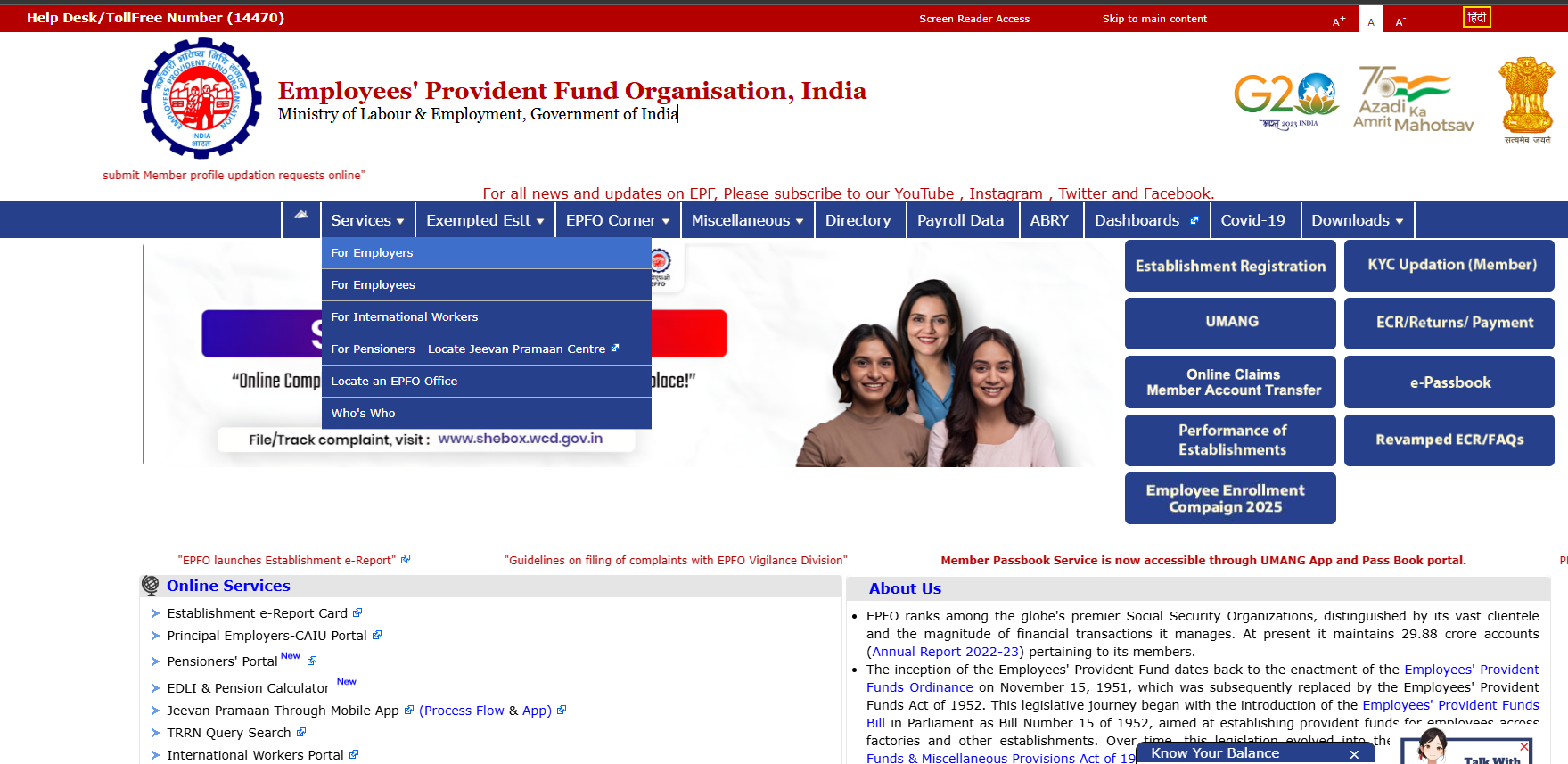
What is EPFO Passbook Claim Status?
Tracking your epfo passbook claim status online is the most efficient way to check the progress of your submitted provident fund applications. Whenever an employee submits a request for partial withdrawal, final settlement, or pension transfer using Form 31, 19, or 10C, the tracking infrastructure allows them to monitor the verification stage in real-time through the unified member portal dashboard.
The Employees Provident Fund Organisation has completely digitized this deployment to enhance transparency for millions of salaried professionals. Instead of visiting regional provident fund branch offices or interacting with physical helpdesks, members can securely review their claim transaction workflows using desktop browsers or smartphone applications. This cloud-based configuration provides instant access to transaction historical logs and active administrative updates.
To access the online verification systems, users must possess an activated Universal Account Number alongside valid credential passwords. Without active authentication factors, extracting secure database logs regarding specific member accounts is restricted to maintain data confidentiality across the network infrastructure.
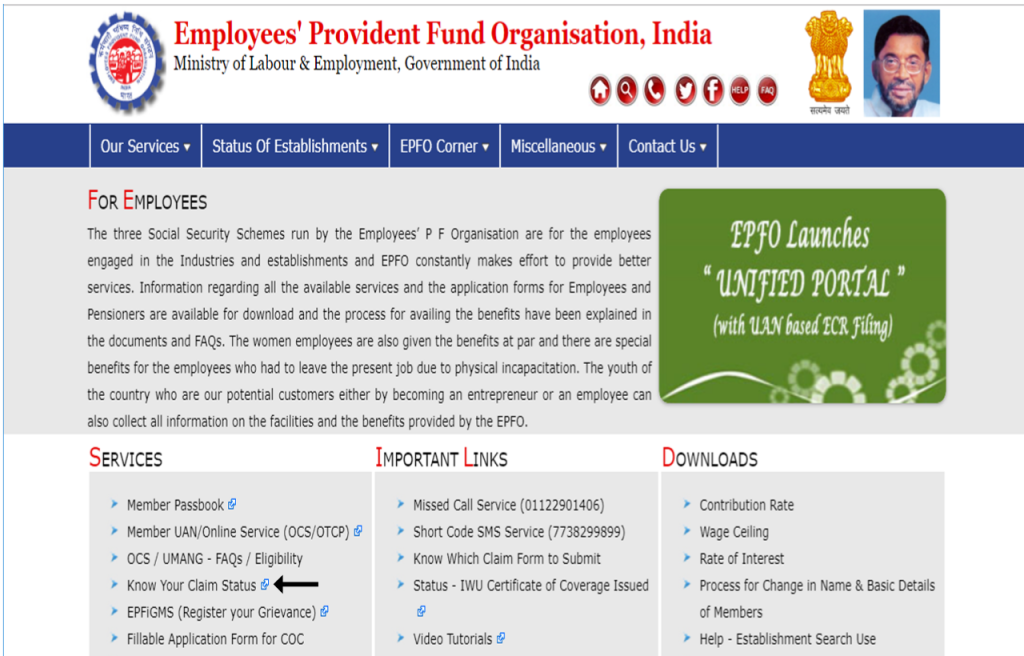
How to Check epfo passbook claim status Online
Reviewing your application lifecycle via the official portal requires a precise sequence of technical steps. Follow this structural framework to ensure an accurate database lookup:
Access the Official EPFO Passbook Portal
Launch an updated web browser interface and navigate directly to the verified endpoint infrastructure. You can utilize this authorized resource path for authentication: EPFO Member Passbook Portal. Ensure that alternate malicious phishing redirect domains are completely avoided to protect sensitive user profiles.
Input UAN and Security Password
On the login module interface, provide your unique 12-digit Universal Account Number within the specified input field. Carefully input your alphanumeric user password, solve the visual alphanumeric Captcha verification string correctly, and activate the ‘Sign In’ trigger action button.
Navigate to the Claims Navigation Module
Once the system validates your identity parameters and grants dashboard access, direct your attention to the horizontal primary menu structure. Click explicitly on the labeled ‘Claims’ menu element to pull structural data reports linked to your employee record history.
Review Live Application Metrics
The workspace window will instantly present a granular analytical grid displaying all previous and running financial settlements. Within this module, users can efficiently process the following operational attributes:
- The official descriptive Form Type applied by the member profile.
- The alphanumeric unique Claim ID alongside the exact system receipt timestamp.
- The net approved financial amount allocated for deployment.
- The operational status label indicating active stage progress.
How to Check EPF Account Transfer Claim Status Online
If you have recently switched jobs and submitted a request to shift your previous provident fund accumulations into your new account configuration via Form 13, tracking the inter-company ledger integration sequence follows an alternate nested pathway inside the interface system:
- Log into the primary UAN Member Portal using your 12-digit structural identity keys and custom authorization passkeys.
- Locate the top core navigational drop-down module menu explicitly titled ‘Online Services’.
- Select the operational path option labeled ‘Track Claim Status’ from the interface parameters.
- Scroll completely past the withdrawal listings grid to find the separate dedicated workspace grid tracking your active Transfer Claim Status pipeline reports.
Understanding Administrative Claim Status Metrics
While monitoring your epfo passbook claim status logs, you will encounter clear distinct tracking expressions generated by internal ledger validation routines. Review their standard explanations below:
| System Tracking Term | Detailed Operational Definition |
|---|---|
| Payment Under Process / In-Process | The application document package has successfully entered the queue and awaits manual scrutiny by assigned regional branch field managers. The status changes once the physical transfer clearing routine maps to the banking node. |
| Settled | The administrative authority has completely validated all compliance parameters, approved the settlement value, and issued electronic transaction instructions to transfer money to your bank account via secure routing channels. |
| Rejected | The verification routines detected an anomaly, signature mismatch, or details variance in your past/present employer records, resulting in immediate application cancellation. |
| Not Available | The electronic database does not currently point to any active, ongoing, or freshly registered settlement requests matching the employee token. The regional administrative tracking records have not been synced yet. |
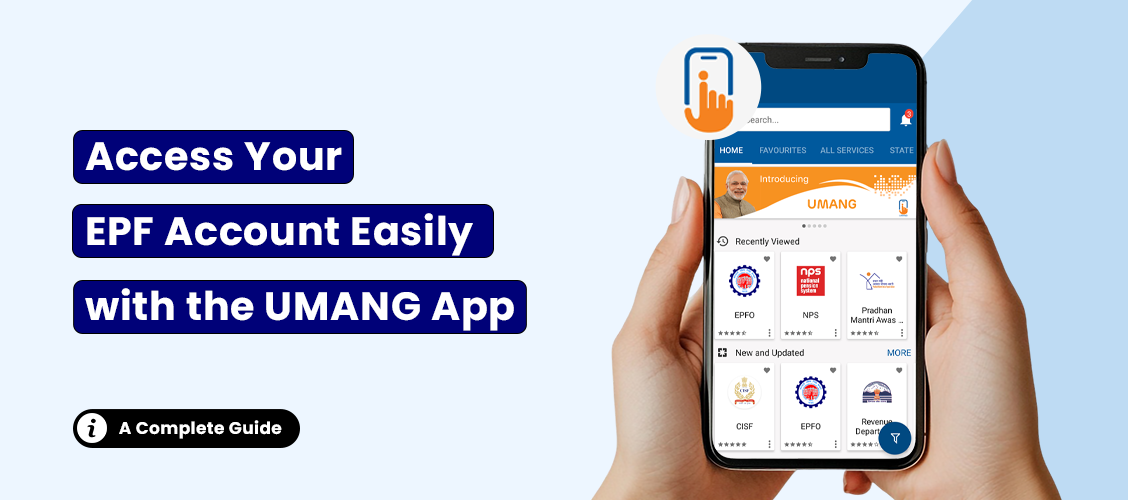
Method 2: Using the UMANG Mobile Application Layout
If high administrative web traffic triggers sudden timeout anomalies across primary servers, members can seamlessly pull their epfo passbook claim status metrics using mobile deployment channels. The unified mobile software platform provides high-availability access to database pipelines via this specific operational sequence:
- Install the verified public utility application via official application stores and execute startup initializations.
- Locate the integrated search directory element, input the term ‘EPFO’, and load the administrative service block.
- Select the dedicated operational trigger labeled ‘Track Claim’ from the interactive service directory grid under Employee Centric Services.
- Provide your authorized 12-digit identity parameter string and trigger the real-time ‘Get OTP’ request.
- Submit the incoming cellular verification token code to instantly render active tracking entries on your smartphone screen workspace including tracking ID, claim type, and raised claim timestamp parameters.
Offline Tracking Channels: Voice Telephony Support and SMS Formats
For users lacking continuous computing network connectivity, alternative telecom interactive interfaces are deployed to query general background metrics easily. These configurations connect to database logs using telephone profile registries:
- The 24×7 Customer Support Channels: Members can check the status of their withdrawal requests by dialing the unified toll-free customer support network endpoint at 14470 or reaching out directly to the primary UAN validation desk setup at 1800118005 (available between 09:15 AM to 05:45 PM daily, excluding public national holidays). Ensure you maintain your structural UAN or PF Account records ready for officer verification.
- The Text Message Messaging Architecture: Draft an SMS transmission formatting text string as
EPFOHO UAN LAN(where LAN points to specific localized parameter language codes, such asENGfor English orHINfor Hindi across 10 supported regional matrices) and dispatch the structured message token code to the official public telecom portal 7738299899 to extract corresponding text updates directly.
EPFO Account Claim Forms and Structural Eligibility Rules
Withdrawing or transferring individual financial ledger elements requires members to align perfectly with specific regulatory allocation thresholds and administrative rules:
Core Withdrawal Eligibility Thresholds
- 100% Corpus Claim: Members can claim full account retirement settlements only upon passing 55 years of physical age thresholds.
- 90% Corpus Advance: Salaried professionals can extract up to 90% of overall funds one year before official retirement milestones, provided they have crossed 54 years of age.
- 75% Unemployment Draw: In cases of sudden industrial retrenchment or job loss, members can extract a 75% relief advance after 1 month of continuous unemployment and shift the remaining 25% balance to their next job role configuration.
- 100% Unemployment Settlement: Full settlement of account data assets is legally authorized upon logging 2 complete months of continuous vocational unemployment.
Structural Form Mapping Rules
While old systems required standalone historical data templates (Form 19 for Final PF settlement, Form 31 for Advance allocations, and Form 10C for Pension withdrawals), current systems utilize the unified Composite Claim Form (Aadhaar / Non-Aadhaar) framework. Review specific operational use cases below:
- Use Form 13 to handle active structural balance transfers to new company account frameworks.
- Apply Form 14 to authorize direct premium payments towards financing independent LIC policy programs using your PF balance assets.
- Submit Form 10D alongside the Composite Form for monthly pension tracking if individual accounts are claimed due to physical disability thresholds or past 58 years of age milestones with 10 completed years of administrative service.
- In case of an employee’s demise, legal nominees or registered heirs can settle insurance claims under EDLI structures via Form 51F and pull account balances using Form 28.
Primary Factors Causing Application Rejection Reports
Experiencing sudden settlement failures can be disruptive. When your running tracking logs shift abruptly to an explicit rejection classification, the decision is generally linked to one of these system non-compliance factors:
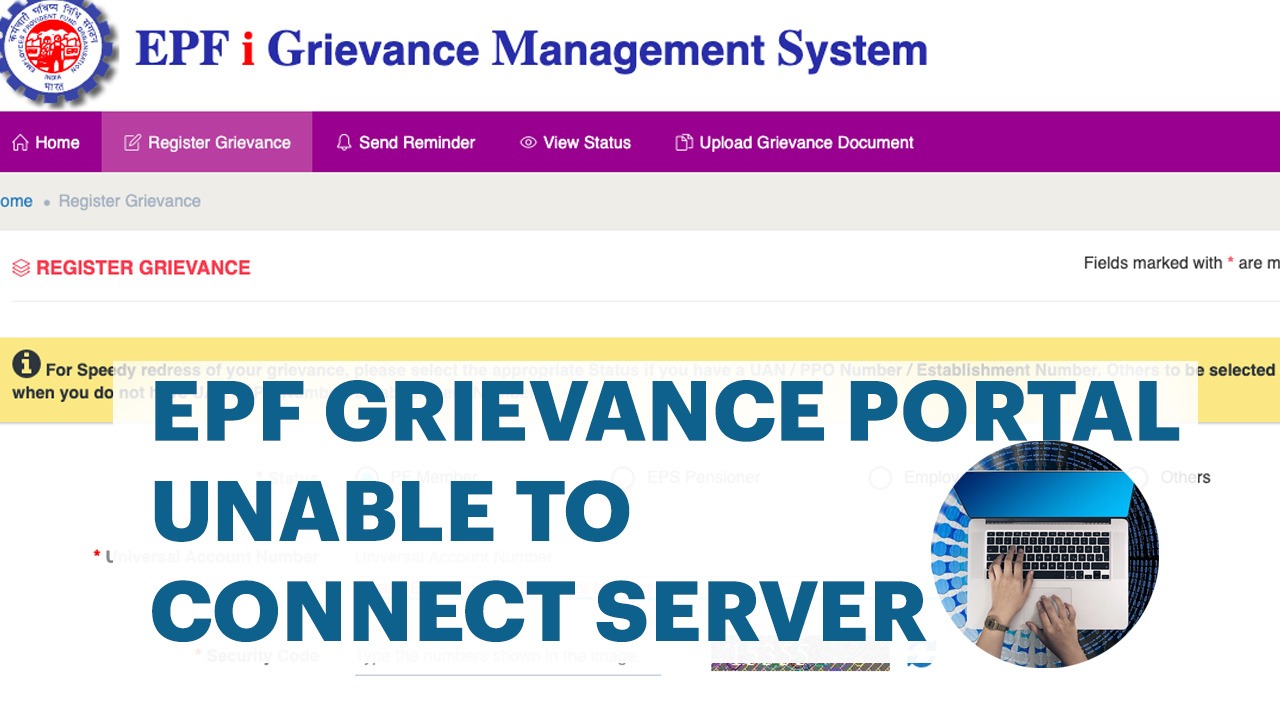
How to File an Official Grievance for Delayed Settlements
If your tracking profile reflects an unchanged ‘Under Process’ status designation exceeding 25 business calendar days without valid operational justification, you can escalate the matter using the dedicated public grievance system:
Follow this administrative escalation framework:
- Navigate to the official analytical tracking system at
epfigms.gov.into log your query. - Activate the ‘Register Grievance’ menu option and select your specific member status class token.
- Input your active identification parameters and extract your linked company profile registry data codes.
- Select the numerical transaction entry experiencing processing delays and upload copies of your transaction summary documents.
- Submit the form package to obtain an tracking reference token code to monitor your dispute resolution lifecycle in real-time.
📖 Recommended Reading & Related Operational Handbooks
Stay informed with our latest administrative deployment manuals, financial insights, and compliance tutorials. Explore our dynamically updated operational guidelines below:
Frequently Asked Questions (FAQs)
Conclusion
Monitoring your online epfo passbook claim status logs regularly ensures you stay accurately updated on your fund allocation lifecycle. Recognizing common verification rules helps members prevent unneeded administrative rejections and processing delays. For complex system troubleshooting, feel free to interact with the authorized public communication desk directly.